WordPress includes the paginate_links() function for generating pagination on archive pages. It generally works well, but there are two limitations I wanted to address:
- The end_size parameter controls how many of the first and last pages are shown (default is 1), but there is no way to set end_size = 0. A few pages into an archive you’ll always see “1” at the start and the last page at the end, separated from the middle links by ellipses.
- The mid_size parameter sets how many links appear on each side of the current page. It treats left and right equally, but sometimes you want more links after the current page and none before it. You can’t make pagination begin with the current page and only show subsequent pages.
These may seem like small details, but they cause the navigation length to vary widely between pages.
Remove any junk form scripts and unnecessary elements that clutter the page or interfere with SEO. A clean, consistent pagination helps users focus on the previous/next controls and the current page.
Here’s what paginate_links() outputs on the first page of a category archive:

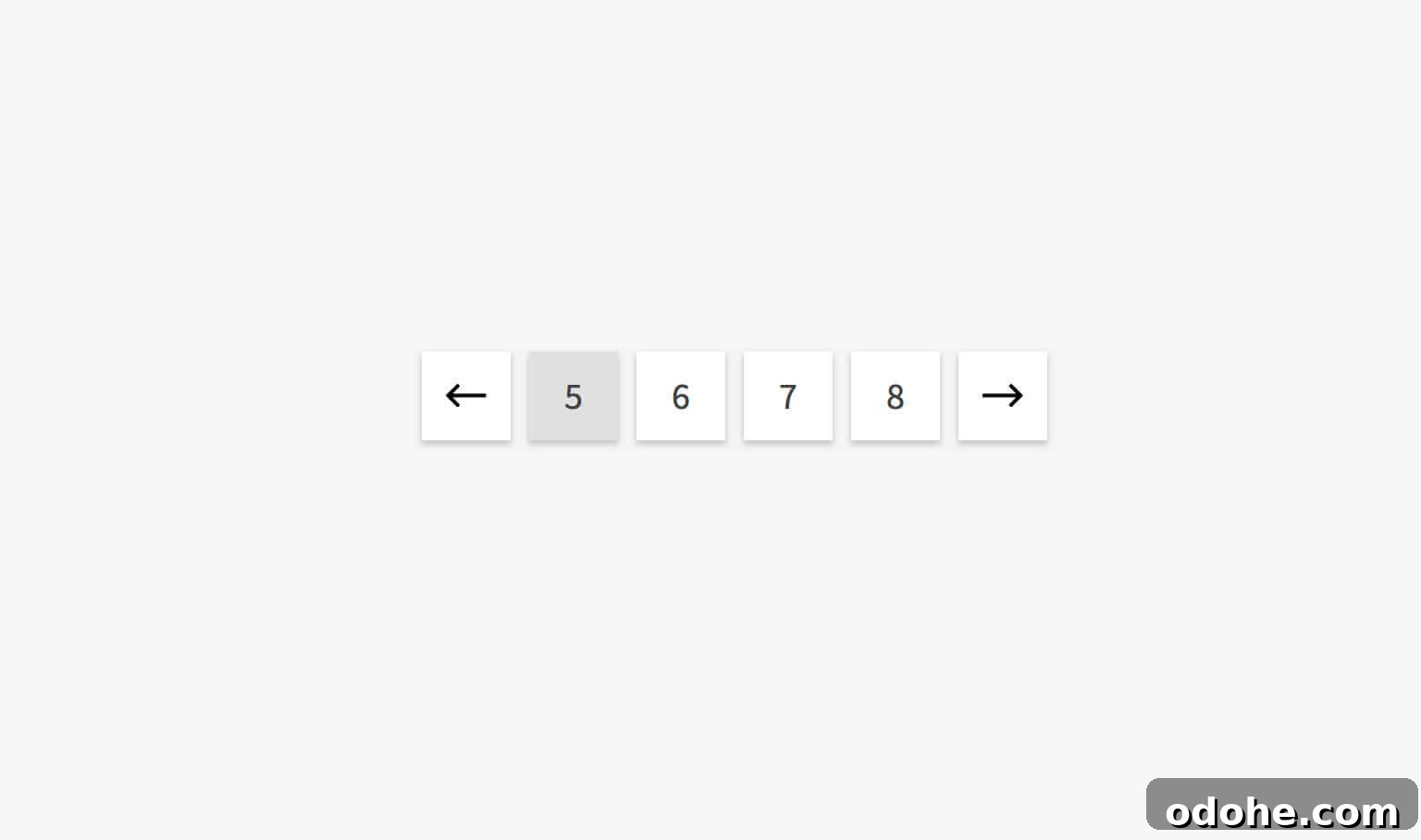
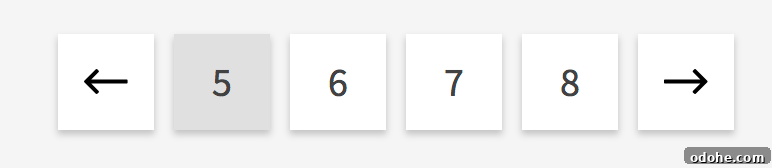
And this is how it looks on the fifth page:

That variation takes up space and distracts users from the most important controls: previous, next, and the current page.
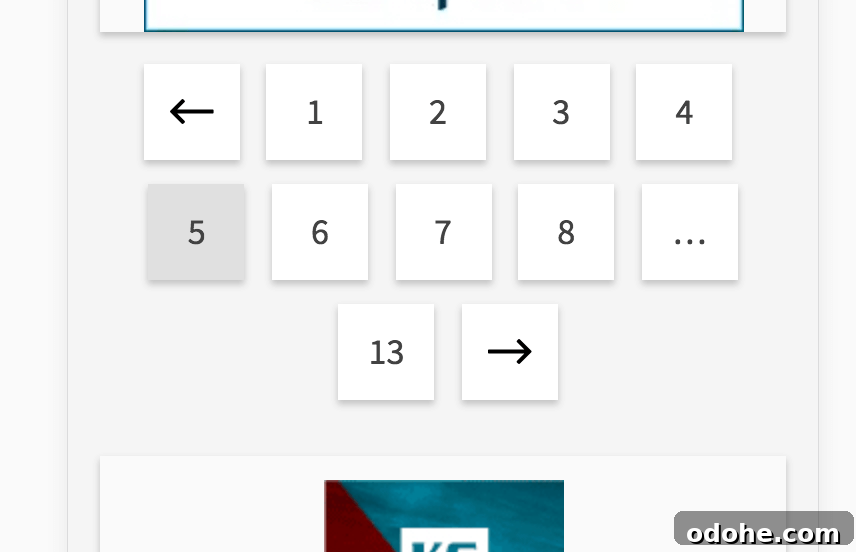
It also complicates styling, since the navigation length changes from page to page. On mobile, the inconsistent length becomes even more obvious and harder to handle in a single line layout:
A better way
I prefer a pagination that shows the previous/next arrows, the current page, and a set number of next pages. This keeps every archive page displaying the same number of links, creating a consistent visual rhythm and predictable user experience. You can set the number of links so they comfortably fit on one line on mobile devices.
Below is the function I use. Adjust the $settings array to change the total number of links shown and to customize the previous/next label text.
/**
* Archive Navigation
*
* @author Bill Erickson
*
*/
function ea_archive_navigation() {
$settings = array(
'count' => 7,
'prev_text' => be_icon( [ 'icon' => 'arrow-left' ] ),
'next_text' => be_icon( [ 'icon' => 'arrow-right' ] ),
);
global $wp_query;
$current = max( 1, get_query_var( 'paged' ) );
$total = $wp_query->max_num_pages;
$links = array();
// Offset for next link
if( $current < $total )
$settings['count']--;
if( $current + 3 < $total ) {
$settings['count'] = $settings['count'] - 2;
}
// Previous
if( $current > 1 ) {
$settings['count']--;
$links[] = ea_archive_navigation_link( $current - 1, 'pagination-previous', $settings['prev_text'] );
$settings['count']--;
$links[] = ea_archive_navigation_link( $current - 1 );
}
// Current
$links[] = ea_archive_navigation_link( $current, 'active' );
// Next Pages
for( $i = 1; $i < $settings['count']; $i++ ) {
$page = $current + $i;
if( $page <= $total ) {
$links[] = ea_archive_navigation_link( $page );
}
}
// Next
if( $current < $total ) {
if( $current + 3 < $total ) {
$links[] = '… ';
$links[] = ea_archive_navigation_link( $total );
}
$links[] = ea_archive_navigation_link( $current + 1, 'pagination-next', $settings['next_text'] );
}
echo '';
}
add_action( 'tha_content_while_after', 'ea_archive_navigation' );
/**
* Archive Navigation Link
*
* @author Bill Erickson
*
* @param int $page
* @param string $class
* @param string $label
* @return string $link
*/
function ea_archive_navigation_link( $page = false, $class = '', $label = '' ) {
if( ! $page )
return;
$label = $label ? $label : $page;
$link = esc_url_raw( get_pagenum_link( $page ) );
$output = '';
if ( ! empty( $class ) ) {
$output .= '';
} else {
$output .= ' ';
}
$output .= '' . $label . ' ';
return $output;
}
With this approach you get predictable, compact pagination: a previous arrow, the current page, a fixed number of following pages, and a next arrow. It reduces layout shifting, simplifies styling, and keeps the focus on navigation actions that matter most to readers.